How to Fix a Slow WordPress Admin Dashboard
Ibrahim Monir
Full-Stack Developer
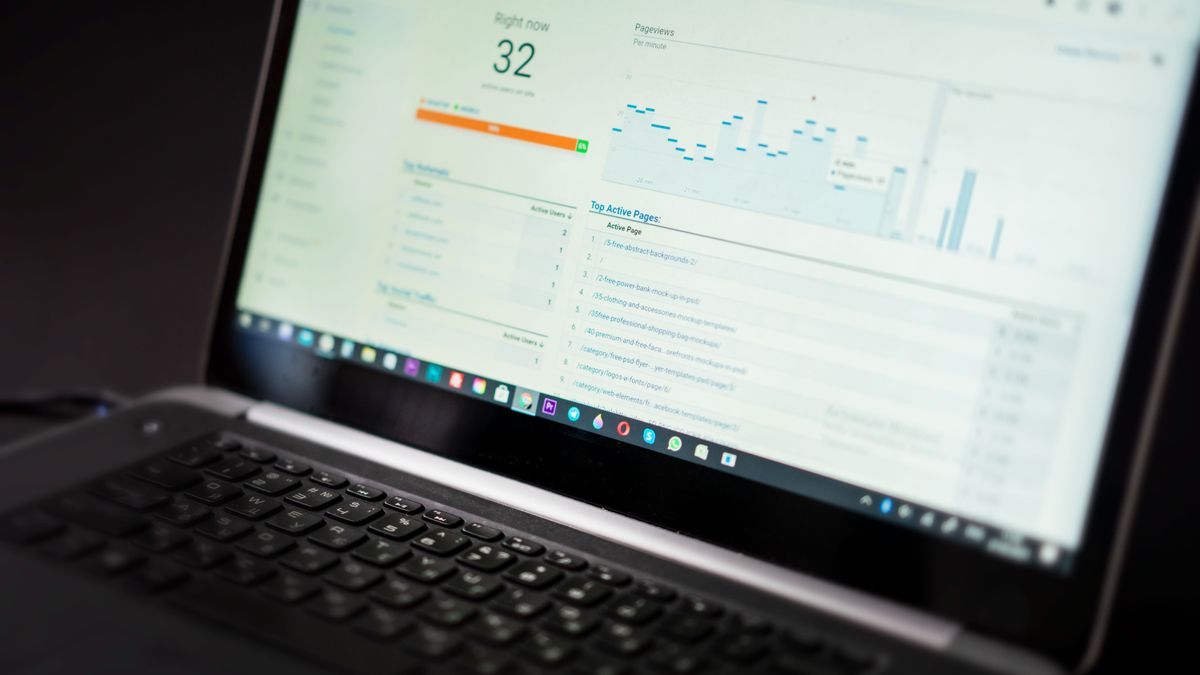
Is your WordPress admin dashboard slow? Here is how to fix a sluggish wp-admin — trimming heavy plugins, taming the Heartbeat API, cleaning a bloated database, adding object caching, and upgrading PHP for a fast backend.
A slow WordPress admin dashboard doesn't just annoy you — it quietly drains hours from every editing session. Pages take seconds to load, saving a post lags, and the whole backend feels sluggish. The frustrating part is that your public site can be fast while wp-admin crawls, because the admin area runs different, heavier processes. This guide shows you how to fix a slow WordPress admin dashboard, from the quick wins to the deeper causes.
Key takeaways
- Admin-heavy plugins and the Heartbeat API are the two most common causes of a slow dashboard.
- Object caching (Redis) and enough PHP memory dramatically speed up the backend.
- A bloated database — especially autoloaded options — slows every admin page.
- Query Monitor shows you exactly what's slowing things down.
- The admin can be slow even when the front end is fast — it needs its own optimization.
First: diagnose with Query Monitor
Don't guess — measure. Install the free Query Monitor plugin, then open a slow admin page. It shows the slowest database queries, which plugins are consuming the most time, and any slow HTTP requests. In minutes it tells you exactly where the bottleneck is, so you fix the real cause instead of everything at once.
1. Deactivate or replace heavy admin plugins
Many plugins do most of their work in the dashboard — security scanners, analytics, backup tools, and page builders. One poorly optimized plugin can slow every admin page. Use Query Monitor to find the worst offenders, deactivate anything non-essential, and replace bloated plugins with lighter alternatives. This is usually the single biggest fix.
2. Control the WordPress Heartbeat API
The Heartbeat API powers autosave and real-time features by sending frequent requests to admin-ajax.php. On a busy dashboard, this constant polling can overload the server and slow everything down. Use the Heartbeat Control plugin to reduce its frequency or disable it where it isn't needed — a common and effective admin speed fix.
3. Increase your PHP memory limit
The admin area needs more memory than the front end. If yours is low, the dashboard lags. Raise it in wp-config.php — WordPress lets you set a separate, higher limit for the admin:
define( 'WP_MEMORY_LIMIT', '256M' );
define( 'WP_MAX_MEMORY_LIMIT', '512M' );
The WP_MAX_MEMORY_LIMIT value applies specifically to admin and background tasks, which are the most memory-hungry.
4. Clean up a bloated database
Over time your database fills with post revisions, expired transients, and orphaned data that slow every admin query. Clean it up with WP-Optimize and limit stored revisions by adding this to wp-config.php:
define( 'WP_POST_REVISIONS', 5 );Fewer revisions and less junk data means faster post lists, edits, and dashboard loads.
5. Reduce autoloaded options
The wp_options table holds settings that WordPress loads on every page — including the admin. Plugins that leave behind large "autoloaded" options can silently bloat this and slow the whole site. Use Query Monitor or a database tool to find oversized autoloaded options and remove the ones left by old, deleted plugins.
6. Add object caching (Redis)
Object caching stores the results of repeated database queries in memory, which massively speeds up the admin area where the same queries run constantly. If your host supports Redis (many quality hosts do), enable it with a plugin like Redis Object Cache. It's one of the most effective backend speed upgrades available.
7. Trim dashboard widgets
The main dashboard screen loads widgets — some of which (like news feeds or plugin widgets) make external requests every time you log in, adding seconds to the load. Click Screen Options at the top of the dashboard and uncheck the widgets you don't use to lighten the page.
8. Update PHP and upgrade your hosting
An outdated PHP version makes everything slower. Make sure you're on PHP 8.0 or newer, which runs WordPress admin significantly faster. And remember: if you're on cheap, overcrowded shared hosting, no amount of tweaking fully fixes a slow backend. Quality hosting with proper resources is the foundation of a fast dashboard.
Frequently asked questions
Why is my WordPress admin dashboard so slow?
The most common causes are heavy admin plugins, the Heartbeat API polling too often, low PHP memory, and a bloated database with excessive autoloaded options. The admin area runs heavier processes than your public site, so it can be slow even when the front end is fast. Query Monitor helps pinpoint the exact cause.
What is the WordPress Heartbeat API and does it slow the admin?
The Heartbeat API sends regular requests to admin-ajax.php to power autosave and real-time features. When it fires too frequently, it can overload the server and slow the dashboard. Reducing its frequency with the Heartbeat Control plugin is a common way to speed up the admin.
Does object caching speed up the WordPress admin?
Yes, significantly. Object caching (such as Redis) stores repeated database query results in memory, which is especially helpful in the admin where the same queries run constantly. On a supported host, enabling Redis is one of the most effective backend speed improvements.
Can too many plugins slow down wp-admin?
Absolutely. Plugins that do heavy work in the dashboard — security scanners, analytics, backups, and page builders — add load to every admin page. It's less about the number of plugins than their weight; use Query Monitor to find and replace the slowest ones.
Final thoughts
A slow WordPress admin dashboard is almost always fixable once you know where to look. Start by diagnosing with Query Monitor, then tackle the usual causes: heavy plugins, the Heartbeat API, low memory, and a bloated database. Add object caching and keep PHP current, and your backend will feel fast again — turning every editing session from a waiting game into smooth, productive work.